
Emails sent to SFR addresses (sfr.fr, neuf.fr, club-internet.fr) undergo filtering that does not work exactly like that of Gmail or Outlook. The SFR system combines authentication checks, sender reputation analysis, and recipient behavior monitoring. Understanding these mechanisms allows for adjustments in sending practices to reach the inbox rather than the spam folder.
Technical Authentication: What SFR Checks Before Reading Your Message
Before even analyzing the content of an email, SFR servers verify the identity of the sender. This verification relies on three complementary protocols: SPF, DKIM, and DMARC. If any of these fail or are missing, the message is likely to be redirected to the spam folder or even silently rejected.
SPF declares which servers are authorized to send on behalf of your domain. A misconfigured DNS record, or one that includes too many mechanisms (exceeding the DNS resolution limit), leads to an immediate failure. Certain changes to SPF records can trigger drops in deliverability without warning.
DKIM adds a cryptographic signature to each message. It ensures that the content has not been altered between sending and receiving. DMARC, on the other hand, tells the receiving server what to do when SPF or DKIM fails: accept, quarantine, or reject. A domain without a published DMARC policy sends a negative signal to SFR’s filters.
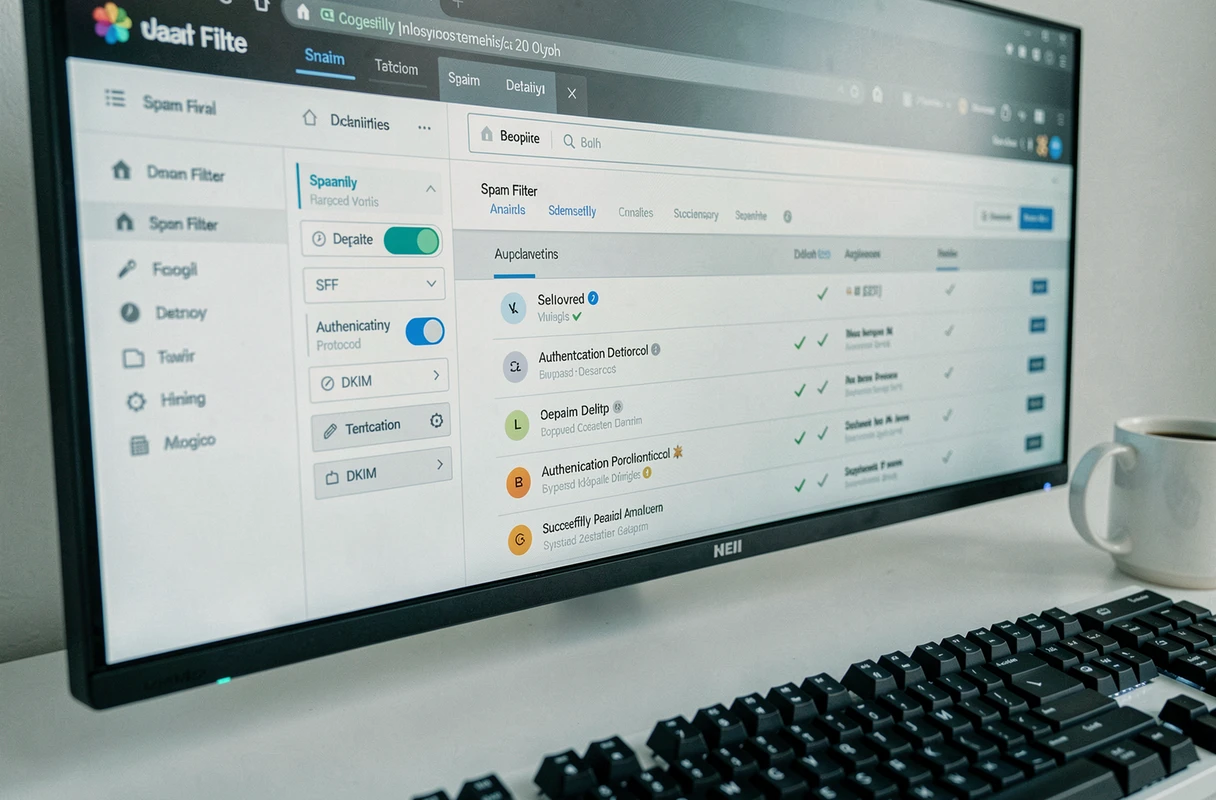
To diagnose a problem, it is useful to master the SFR anti-spam filter and its specific criteria, as SFR’s error feedback is often less explicit than that of Gmail or Microsoft.

Sender Reputation and Domain Warmup at SFR
Reputation is the most determining factor for deliverability to SFR, even more so than the content of the message. This reputation is built on two axes: the sending IP address and the sender domain.
Why a New Domain is Treated with Suspicion
A domain or IP without a sending history has no reputation. SFR’s filters then apply cautious treatment, often akin to preventive filtering. Recent technical guides present warmup as an operational prerequisite for any new sender.
The principle is simple: start with small volumes (a few dozen emails per day), then gradually increase over several weeks. A sudden spike in sends from a little-known domain almost always triggers a temporary block or classification as spam.
Signals that Degrade Reputation
- A high complaint rate: every time an SFR recipient clicks “report as spam,” it directly impacts the sender’s reputation. Beyond a certain threshold, subsequent messages are automatically filtered.
- Sends to non-existent addresses: hard bounces (invalid addresses) indicate a poorly maintained list. SFR interprets this as spammer behavior.
- Volatility in volumes: going from a few hundred sends to several thousand from one day to the next, then returning to a low volume, generates an alert signal.
The regularity of sends matters as much as their volume. A sender who sends a stable number of messages each week builds a predictable reputation, which the filters reward.
Engagement Segmentation: The Often Overlooked Key
Most deliverability guides focus on the technical aspect. However, recipient engagement plays a major role in SFR filtering. Mail servers observe whether emails are opened, clicked, or, conversely, ignored and deleted without being read.
A sender whose messages are regularly opened by SFR recipients will see their reputation strengthened. Conversely, sending campaigns to contacts inactive for several months actively degrades deliverability across the entire base, including among engaged recipients.
The operational recommendation is to segment the mailing list based on the last observed engagement. Contacts who have neither opened nor clicked in the last quarter should be isolated in a distinct segment, with reduced sending frequency or a targeted reactivation campaign before any mass sending.
This approach has a direct effect: by primarily sending to active contacts, the overall open rate increases, which strengthens the positive signal sent to SFR’s filters.
Diagnosing Blocks: Test Before Blaming the Sender
When an email does not arrive at an SFR recipient, the usual reflex is to question the content or the sender’s configuration. Field feedback shows that the cause sometimes lies on the recipient’s side.
Recent recommendations suggest a multi-step diagnostic method:
- Send the same email to several different SFR addresses, but also to Gmail, Outlook, and Orange addresses, to identify whether the block is specific to SFR or generalized.
- Analyze the headers of the received message (or the bounce): they contain return codes and mentions of filtering policy that guide the diagnosis.
- Check the recipient’s anti-spam settings in SFR Mail: a filtering level set to “strict” can block legitimate messages without the sender being informed.
- Check if the sender domain is on a public blacklist (Spamhaus, SORBS, Barracuda), as SFR consults these databases in its filtering process.
The available data does not always allow for a conclusion about the exact cause of an SFR block, as the operator does not publish the details of its scoring criteria. Cross-referencing these checks remains the most reliable method to isolate the problem.
Message Format and Technical Traps to Avoid
Content remains a secondary factor compared to authentication and reputation, but certain technical choices in message construction can trigger filtering.
An email composed solely of an image, without readable HTML text, is systematically penalized. The text/image ratio must clearly favor text. Filters analyze the HTML code and detect typical spam structures: unnecessarily nested tags, excessive inline styles, shortened links, or multiple redirects.
The subject line of the message is also important. All caps, a series of exclamation points, and certain aggressive commercial terms increase the spam score. In contrast, a short, descriptive subject line that is consistent with the content of the message sends a positive signal.
One last often-overlooked point: the unsubscribe link. Its absence in a commercial email is not only against GDPR but also constitutes a filtering criterion for SFR. A functional and visible link reduces the risk that the recipient uses the “report as spam” button, which protects the sender’s reputation in the long term.