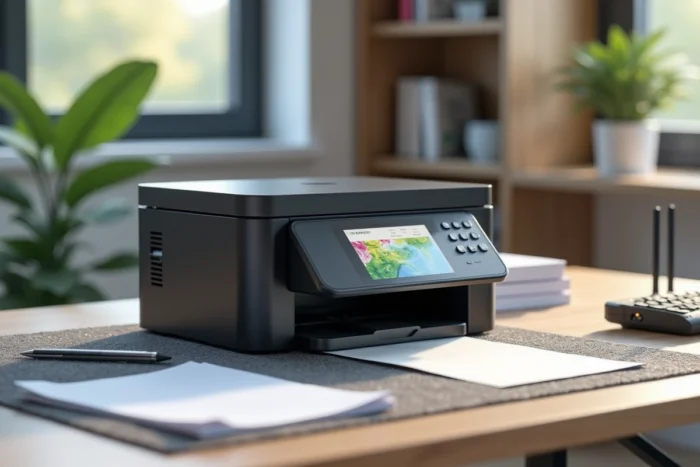
Are you looking for a color laser printer that can print, scan, copy, and fax without cluttering your desk with multiple devices? The Brother MFC-L3770CDW checks all four boxes in a compact format. Positioned in the multifunction segment for home offices and small businesses, it promises decent speed and complete connectivity. The question remains whether it lives up to its promises in practice, especially given the competition that has evolved since its release.
Color LED Technology: What It Changes in Daily Use
Before discussing speed or quality, one point needs clarification. The Brother MFC-L3770CDW does not use a traditional laser, but a LED diode bar. The difference? The exposure mechanism is fixed, without a rotating mirror. The result: fewer moving parts, a more compact format, and generally quieter operation.
In practice, the quality of black text on standard paper is sharp, comparable to what a traditional laser produces. Colors remain true for office documents: graphs, presentations, letterheads.
Where this technology shows its limitations is in dense color fills or photos. The output lacks depth compared to a photo inkjet. If your primary need is high-quality marketing visuals, this is not the right machine. For administrative and office use with occasional color, it does the job very well.
You can find a review of the Brother MFC-L3770CDW that details print results on various types of media, helping to assess its actual performance.
Brother MFC-L3770CDW Print Speed: Promise vs. Reality
The technical specifications state a speed of 25 pages per minute for both black and color. This figure corresponds to a throughput measured under optimal conditions, after the warm-up phase, on standard documents.
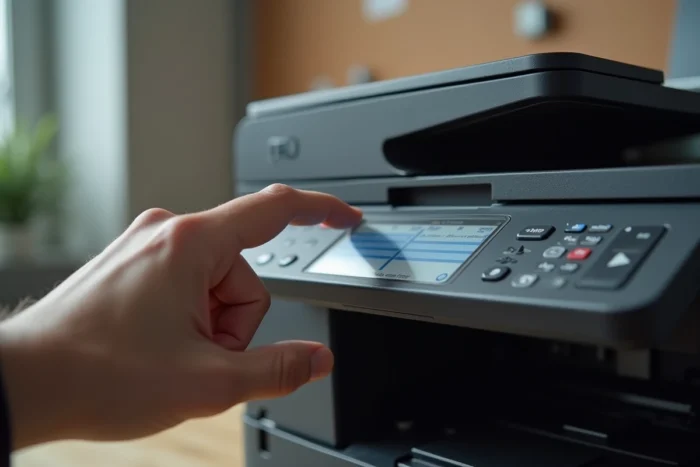
However, several user reports indicate a gap between this nominal speed and the perceived experience. The warm-up time at startup can be surprising, especially if you initiate a one-off print after a period of inactivity. The first page comes out noticeably slower than the subsequent ones.
For continuous printing (ten pages or more), the machine achieves a smooth pace. The 250-sheet tray minimizes frequent reloads. However, if your usage mainly consists of printing one or two documents at spaced intervals, the initial latency will be felt each time.
One important detail: automatic duplex printing works well, but it logically slows down the throughput. Expect a significantly longer time per page in duplex mode compared to single-sided mode.
Duplex Scanning and Connectivity: The Real Strengths of This Multifunction
This is probably the most distinctive strength of this Brother printer. The automatic document feeder (ADF) allows you to scan double-sided without manually flipping the pages. For those who need to archive invoices, contracts, or correspondence in PDF, this time-saving feature is real.
Scanning can be sent to multiple destinations:
- A shared network folder, simplifying organization on a local server or NAS
- An email address directly from the printer’s touchscreen, without going through a computer
- A USB stick plugged into the front port, convenient for one-off documents
In terms of connectivity, the MFC-L3770CDW offers Wi-Fi, Ethernet, USB, and NFC. NFC allows you to send a print from a compatible smartphone by placing it on the machine. The color touchscreen makes navigating the menus easy, although its response time remains modest.
A Caveat on Email Sending
Setting up email scanning requires entering your email server’s SMTP settings. This technical step can block an untrained user. The guides provided by Brother exist, but they assume familiarity with email server settings. Be prepared for a bit of patience during installation.
Cost per Page and Consumables: A Calculation to Make Before Purchase
The purchase price of the printer is just one part of the equation. The color and black toners, as well as the drum unit, represent a recurring budget that needs to be anticipated.

Brother’s original toners offer decent yield for moderate office use. There are also compatible toners available from various retailers, often at a lower price. However, caution is advised: some users report error messages or recognition issues with non-official consumables. The topic of consumable compatibility remains a practical angle to check before opting for generic alternatives.
For a household or a freelancer printing a few dozen pages per week, the cost per page in black remains competitive compared to other color lasers in this range. In color, the cost logically increases, and this is where actual usage dictates the machine’s relevance.
Brother MFC-L3770CDW vs. Its Successor, the MFC-L3780CDW
Since the release of the MFC-L3770CDW, Brother has launched the MFC-L3780CDW. The latter reaches 31 pages per minute and features a larger touchscreen (3.5 inches). It also adds duplex scanning and copying in a single pass, whereas the L3770CDW physically flips each page in the ADF.
If you find the MFC-L3770CDW at a reduced price, it remains a solid choice for moderate use. However, for a higher volume of printing and scanning, the speed difference and single-pass scanning of the L3780CDW justify the additional investment.
The MFC-L3770CDW is not a bad color laser multifunction printer. It mainly suffers from its temporal positioning: designed for home office use a few years ago, it now finds itself competing with its own successor on the points that matter most in daily use, responsiveness and fast scanning.