The Mūcho platform centralizes meal vouchers, gift cards, professional expenses, and employee savings on a single interface. Accessing your personal space and utilizing each benefit configured by the employer requires mastering a few technical points that generic guides only skim over.
Authentication and session management on the Mūcho platform
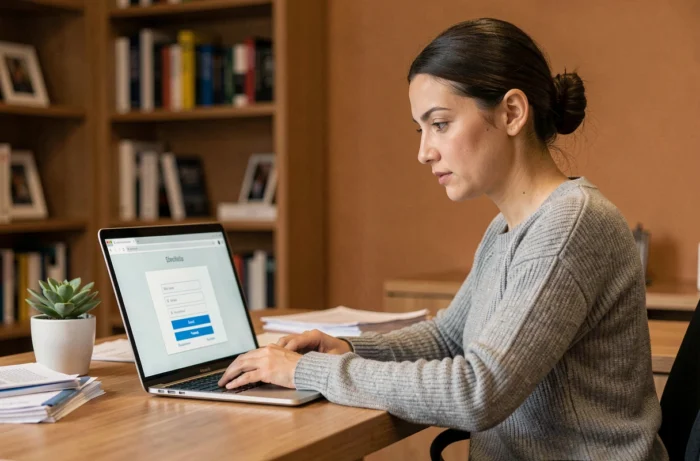
The web portal and mobile application share the same authentication back-end. An account is created upon activation of the physical card, via the “I activate my account” button, which triggers the sending of a link by email. This link has a limited validity period: if you do not click within the allotted time, you will need to restart the procedure from the activation page.
We recommend checking the spam folder before any follow-up. Professional email filters (Microsoft 365, Google Workspace) often classify Mūcho transactional emails as junk, especially during the first interaction.
Once the account is created, login is done using the email/password pair. Password reset is exclusively done through the email address provided at activation. If this address is no longer accessible (job change, domain migration), technical support must intervene to link a new address to the existing account.
Every employee accessing their user account on Muchos finds all their active benefits, the balance of their card, and the history of their transactions, without switching between multiple interfaces.
Mūcho Card: PIN code activation and payment rules
Activating the card is not limited to creating an identifier. You also need to retrieve the PIN code from the “My card” tab in the app, then make an initial payment by inserting it into a terminal (TPE) with PIN entry. Contactless payment is only unlocked after this first transaction with PIN.
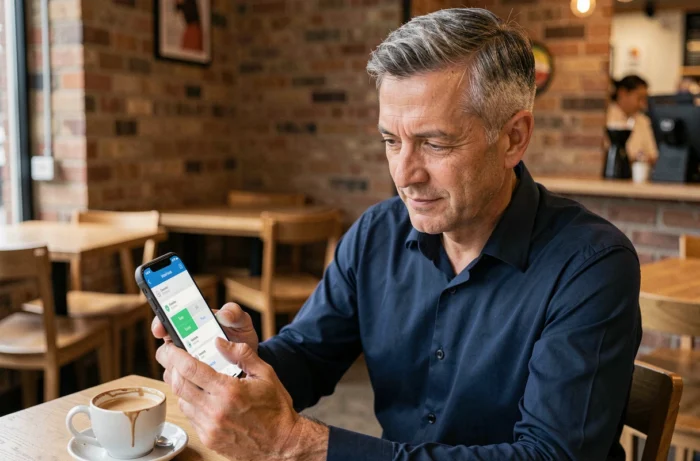
This sequencing is imposed by the EMV protocol of the card. Attempting a contactless payment before the initial PIN validation results in a silent refusal, without an explicit error message on the merchant’s terminal. This is the most common source of confusion reported by users.
The limit for using meal vouchers remains set at 25 euros per day. This amount applies regardless of the number of transactions in a day: two purchases of 15 euros on the same day will result in the second being refused. The card automatically distinguishes payments eligible for meal vouchers (restaurants, large retailers for food products) from other benefit lines.
URSSAF ceilings 2026 and employer configuration of benefits
Since January 1, 2026, the employer contribution to a meal voucher is exempt from social contributions up to 7.32 euros per voucher, compared to 7.26 euros the previous year. The face value of the voucher must be between 12.20 euros and 14.64 euros to benefit from this exemption.
This setting is managed on the employer side in the Mūcho administration space. The employee does not have control over the value of the voucher or the reimbursement rate. However, they can check in their personal space the exact breakdown between the employer’s share and the employee’s share, and ensure that the amounts correspond to what is stated on their payslip.
For gift cards, the URSSAF exemption ceiling remains a point of vigilance. The amounts allocated by the CSE or the employer for events (back-to-school, Christmas, birth) appear as distinct lines in the overall balance of the card. Each line has its own expiration date and usage conditions.
- Meal vouchers can only be used on working days, up to 25 euros per day, at approved merchants.
- Gift allocations can be spent at a wide network of partner brands, with no day restrictions.
- Professional expenses (sustainable mobility, teleworking) follow a separate validation process with receipts to be uploaded in the app.
Extension of food voucher usage until the end of 2026
The use of meal vouchers for food purchases in supermarkets (unprepared products) remains authorized until December 31, 2026. This temporary extension allows the use of the Mūcho card for regular grocery shopping, an initial use limited to restaurants and prepared meals. The scheduled end of this exemption implies monitoring regulatory announcements to adapt spending habits.

Resolving common issues on the Mūcho space
Three technical situations recur and deserve methodical treatment rather than an immediate call to support.
- Card refused without error message: first check if the initial payment with PIN entry was successfully made. If so, check the available balance on the relevant benefit line and the daily limit.
- Inconsistent balance displayed: transactions sometimes take several hours to appear in the history. A lunchtime payment may only show up in the evening. Wait 24 hours before reporting an anomaly.
- Unable to log in after changing phones: the app does not automatically transfer the session. You need to log in again with your credentials. If the password has been forgotten, the email reset procedure remains the only option.
- Card lost or stolen: immediate blocking is done from the app, in the “My card” section, even before contacting support for a replacement.
Mūcho technical support handles requests via email. Response times vary depending on the period, with predictable peaks at the end of the year when gift allocations are massively credited.
Daily management of benefits via Mūcho relies on two reflexes: regularly checking the breakdown of the balance by benefit line and ensuring that the email address associated with the account remains accessible. These two points eliminate the vast majority of difficulties encountered by users.